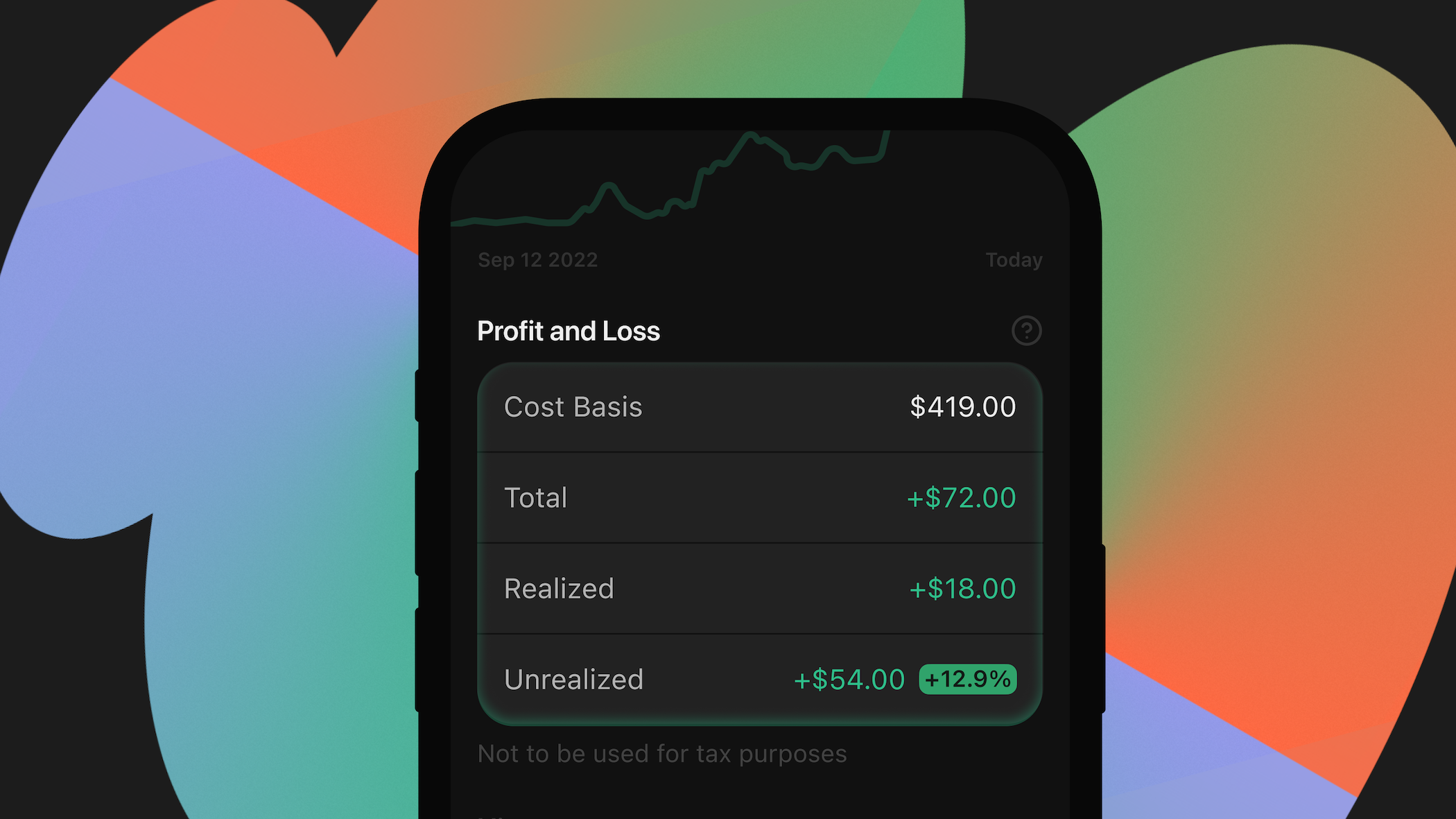
You can now track profit and loss (P&L) of your Solana tokens on Phantom. Know whether you're up or down without having to use other apps. Just open Phantom and see exactly where you stand with cost basis, realized and unrealized returns, and total returns, right in one place.
Performance tracking matters
Price tells you what a token is worth right now. Performance tells you how you're doing. Now with clear performance data on how much you’ve gained or lost, you can trade more confidently.
Track your most important data points
Get transparency into every Solana token you hold, from entry price to realized gains. Easily view:
- Cost Basis: What you paid for the tokens you currently hold.
- Realized P&L: Your return on tokens you have sold.
- Unrealized P&L: Your potential return if you sold your holdings now.
- Total Return: Your combined unrealized and realized returns.
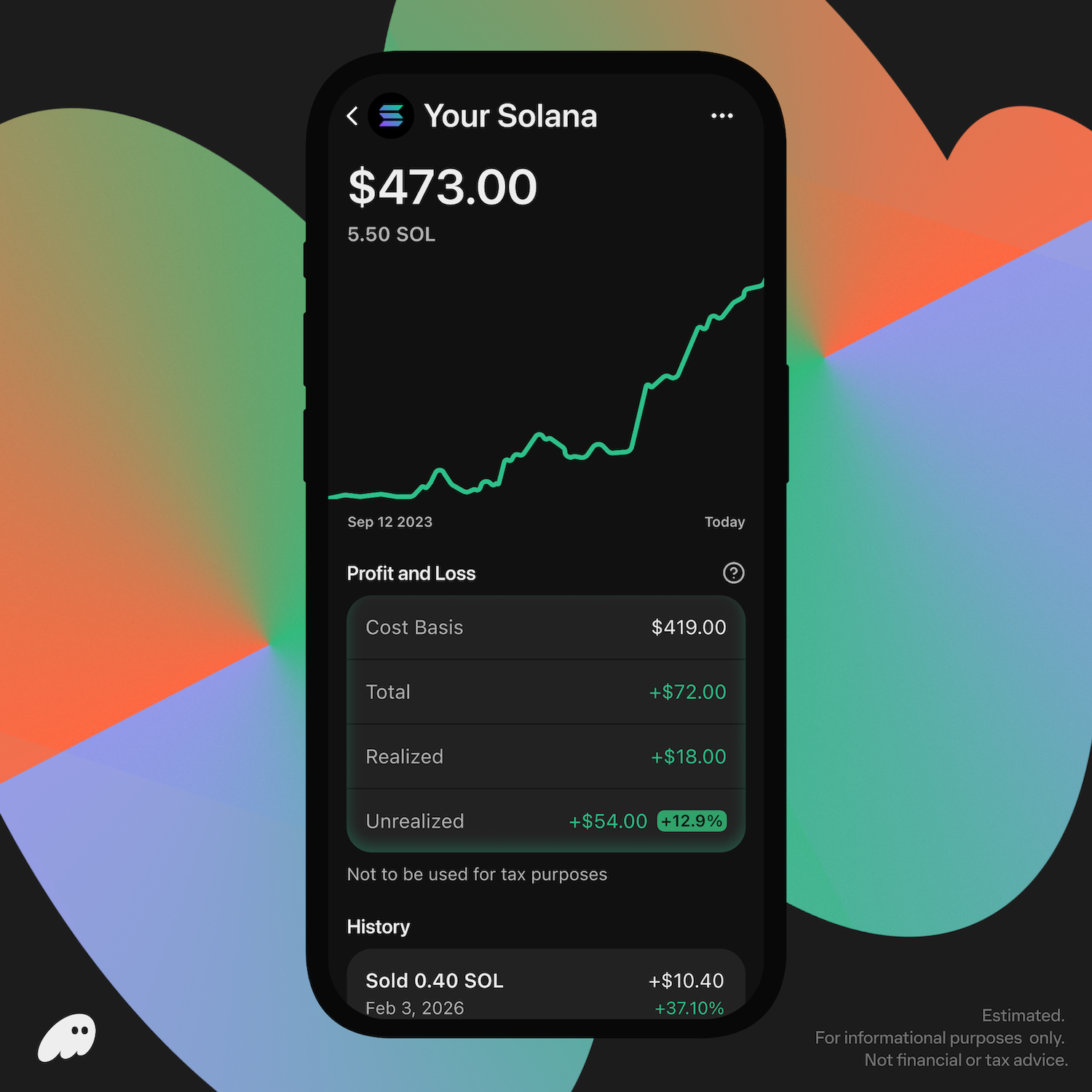
Start using P&L today
Now that P&L tracking is live for all Solana tokens on Phantom, you can tap any token to see your position. You'll find Unrealized Return, alongside Value (in USD), Balance, and 24h Return.
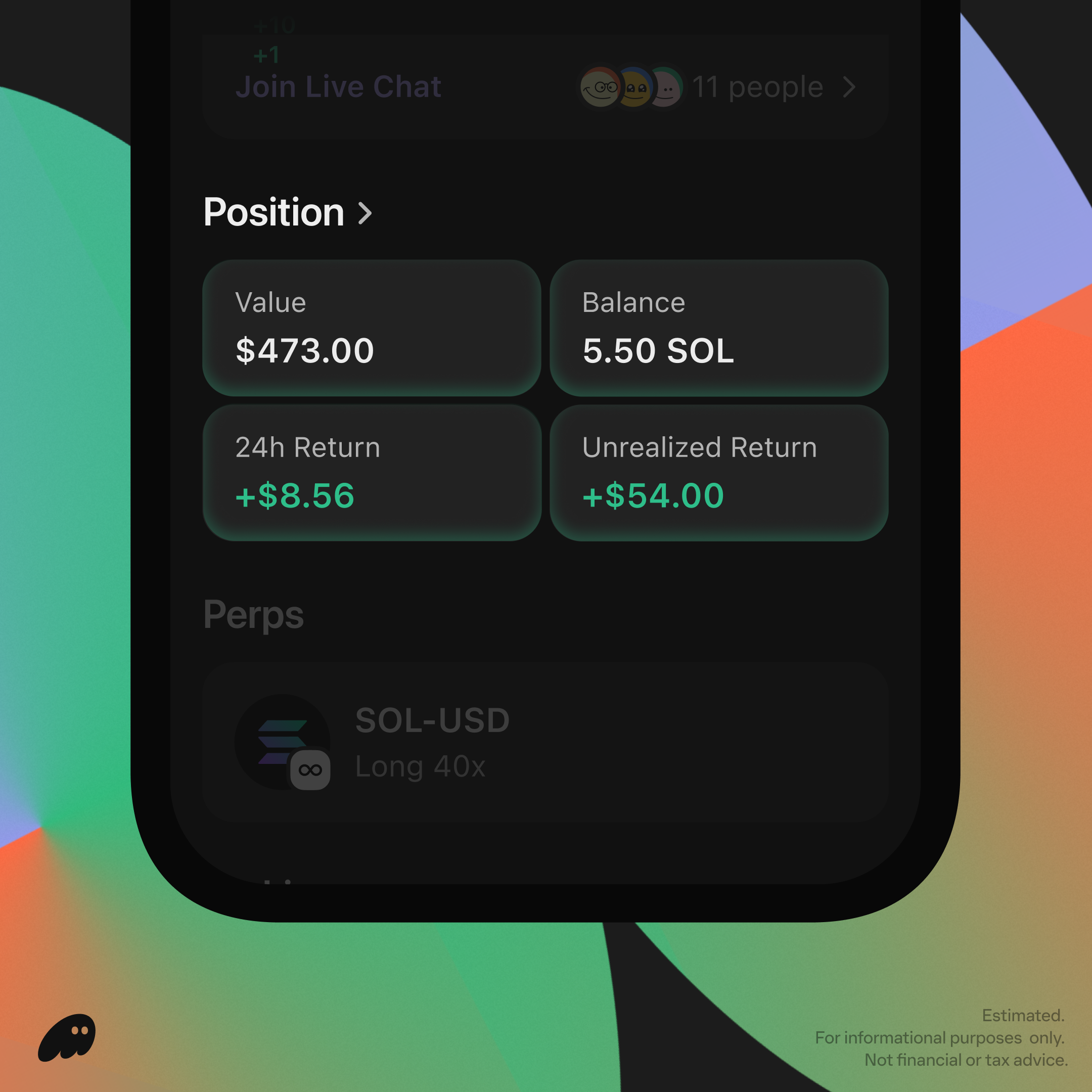
Tap "Position" to dive deeper into your performance, with Total Return, Cost Basis, Realized Return.
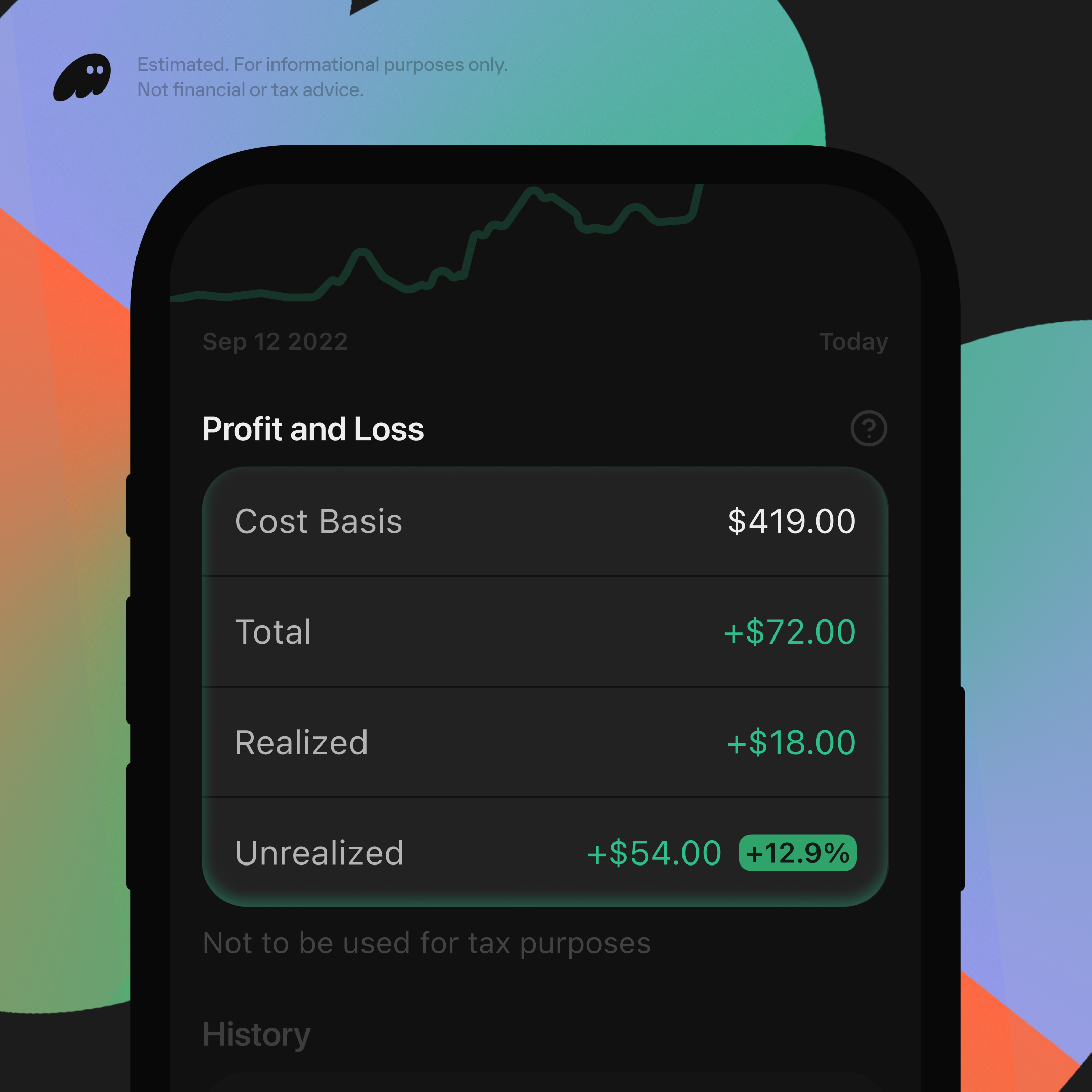
From there, scroll down to see the history of your trades and sends. You can also view your return for these transactions. Each trade also includes fees in the calculation, so your return better reflects your performance after transaction costs.
Look out for what’s next
We're starting with Solana since it’s where most of you trade, but we're already working on bringing P&L to additional tokens and chains.
Our goal’s simple, to make Phantom the home for better understanding your financial story, not just where you execute transactions.
Open Phantom and see where you stand today.
Learn more
If you have any questions about how P&L works in Phantom, we put together a support article to help: Understanding Solana P&L in Phantom